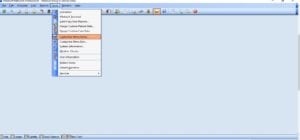
Click Tools then Customize Menu Items.
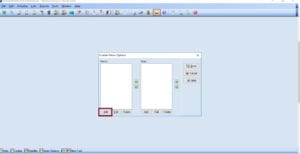
Click Add.
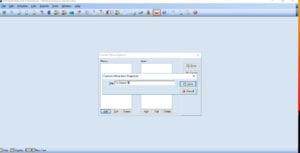
Add the description of the item and save.
Select the Menu added then click add on the second column. Add the title and the program path then save.
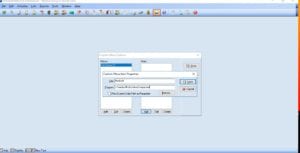
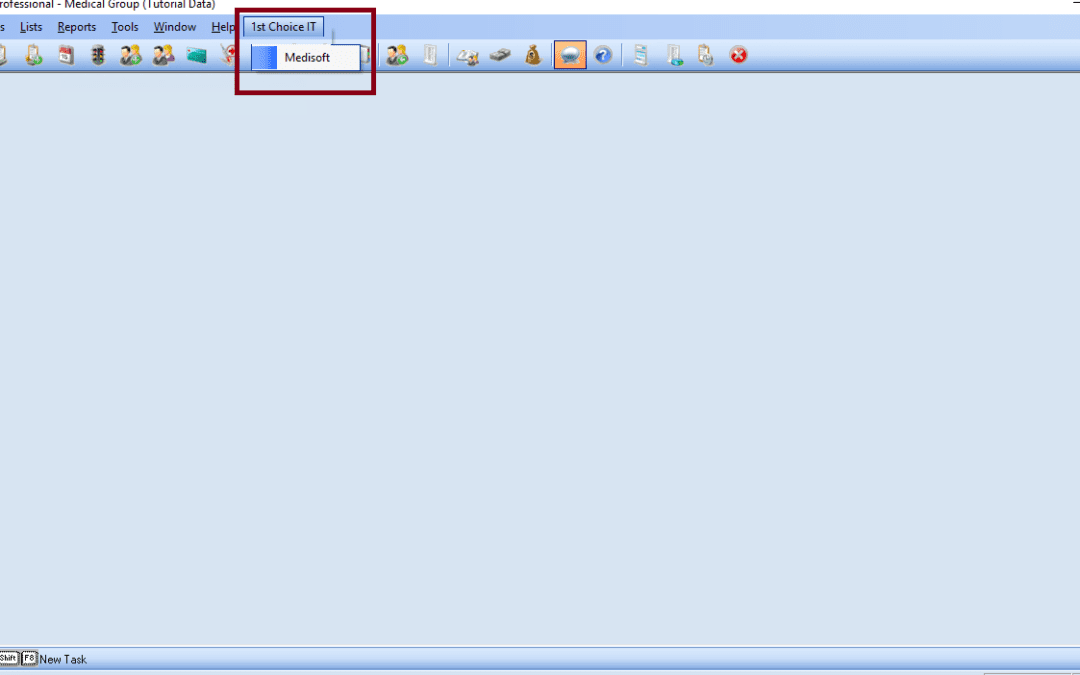
Here at the top, you can see the menu button added.


Your only a few steps away! Please provide us your name and email to continue.
Your only a few steps away! Please provide us your name and email to continue.
Your only a few steps away! Please provide us your name and email to continue.
Recent Comments