
by Geraldin A | Oct 12, 2018 | Uncategorized
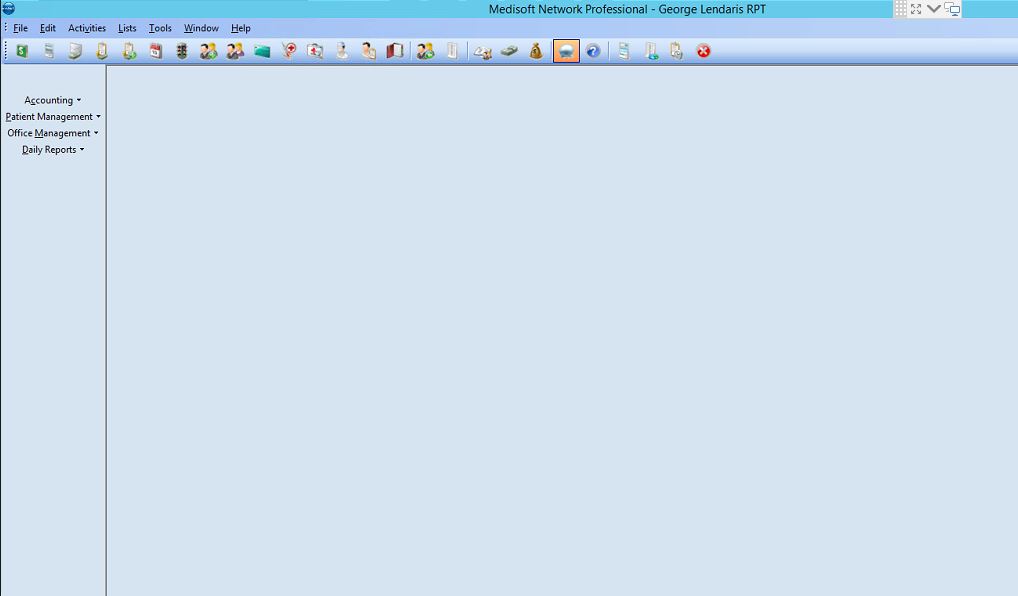
When you are seeing a menu at the left part of your medisoft screen, which is unusual and you would like to remove it. Just right click on it and uncheck sidebar. It will then be removed at the side of your medisoft...
by Marie S | Oct 10, 2018 | Uncategorized
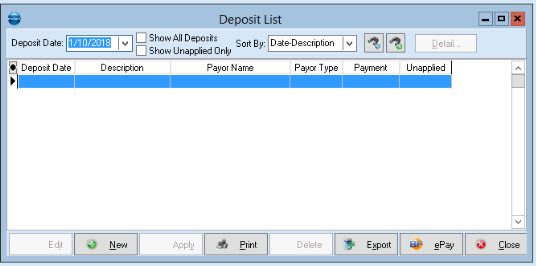
This feature will allow you to quickly apply an EOB to multiple patients. It will also track payments that have been entered into Transaction Entry. Any payments entered into Transaction Entry will be automatically entered into the Deposit List and will be listed in...
by Geraldin A | Oct 8, 2018 | Uncategorized
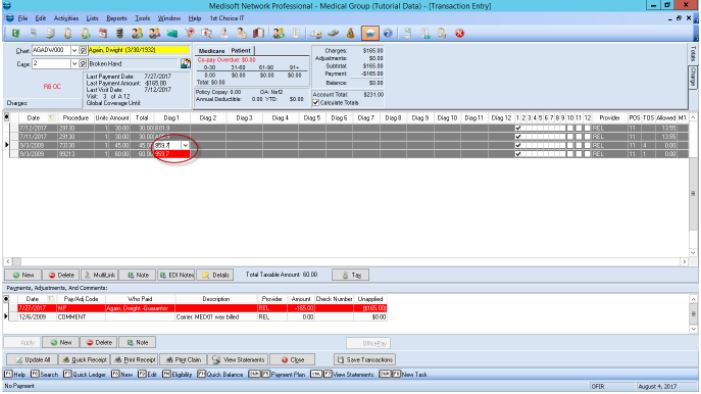
Click the dropdown arrow on the selected diagnosis that shows red. Select and ICD-9 that has an equivalent ICD-10 on the dropdown list. Once selected, the red diagnosis code will disappear. All set.
by Marie S | Oct 8, 2018 | Uncategorized
Go to File> Security Setup. Click New. Provide an information of the new user specially the Login Name and Password. Then, click Save if done. On changing the Password or Inactivate the User, select the name of the user and click Edit. ...
by Marie S | Oct 8, 2018 | Uncategorized
Example: You’re creating new cases for patients at the office and you notice that every case you create has information from another patient pre-populated in the fields. What Causes this? Typically when this happens it means that a case in the system has been marked...




Recent Comments